
The most powerful tool in the digital marketing field is video content. Every brand, creator, and business is using video content to grow faster. However, the first question for every learner always is the same. What video editing tool should a learner use? Should the video editing tool be free or paid? What is the best video editing tool for social media?
If you are a beginner in content development, influencer marketing, and digital marketing, you should select a good video editor because you may save money, time, and effort by choosing the right tool. The right tool would allow you to develop nice quality videos without any confusions.
As we step further into 2026, the gap between “free” and “professional” has narrowed significantly. Here is my breakdown of the best video editing software for beginners, categorized by what they do best.
CapCut is one of the most popular video editing apps for social media. It is built for speed and short-form content. If you create Reels, Shorts, or TikToks, this tool makes editing simple and fast.
It works on Android, iOS, and desktop. The interface is clean and beginner-friendly. You can edit professional-looking videos even if you are just starting.
Why use CapCut:
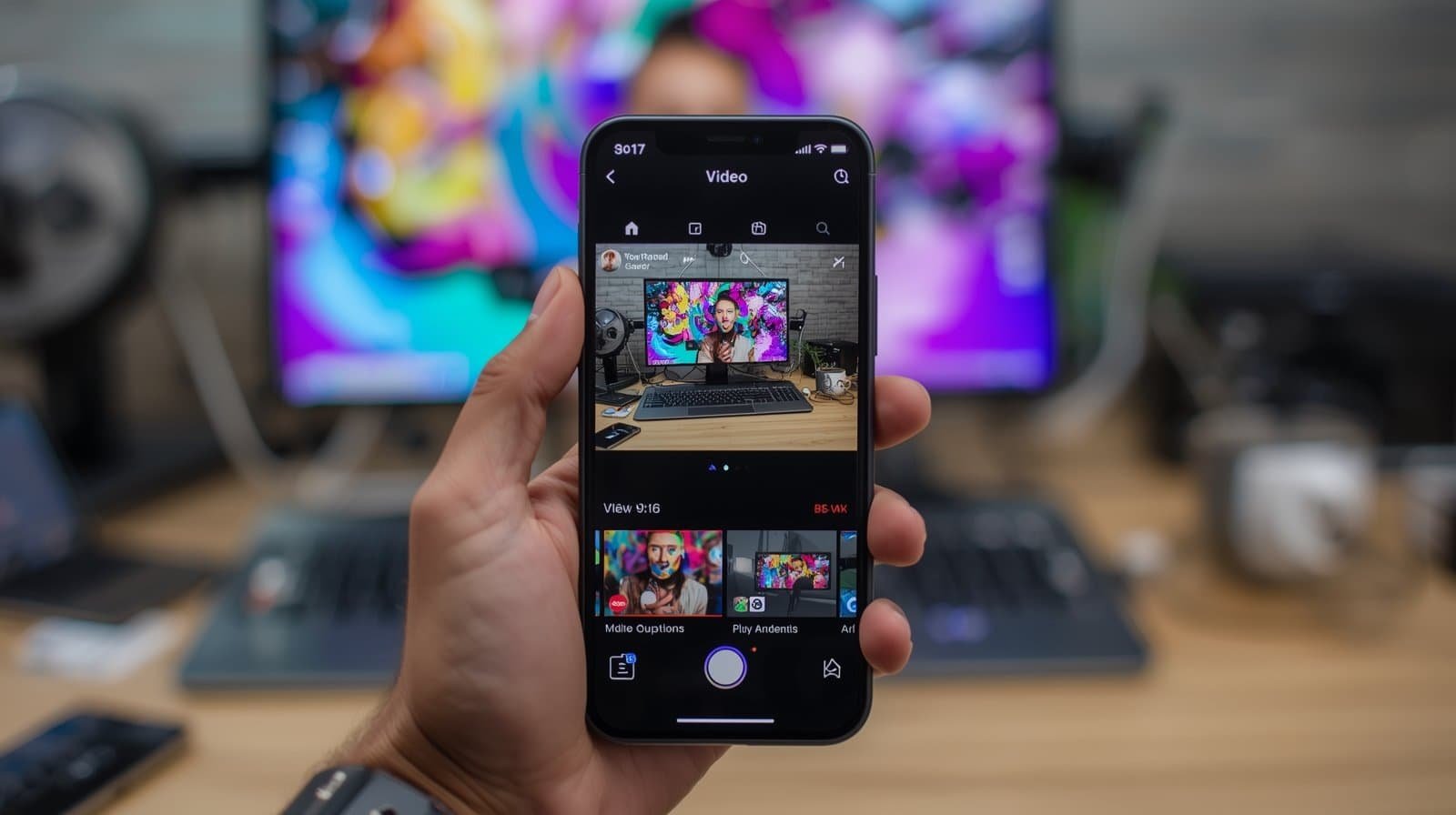
Top Feature: Auto Captions
The auto caption tool can automatically produce subtitles for videos. The subtitles can also be customized with various fonts, colors, and animations. Subtitles increase engagement because most users access videos without sound.
DaVinci Resolve is a video editing software used for film and web content production. The impressive thing about it is that the free version has advanced features without a watermark. It is best for producers who wish to achieve professional results without incurring huge costs.
Although the interface may seem quite advanced, once you grasp the basic concepts, you will find that it is quite powerful, especially considering that you have an editing software, color grading, audio, and video, in just one application.
Why use DaVinci Resolve:
must also read: Top 6 reasons why Techbooz’s Digital Marketing Course is best in Karnal
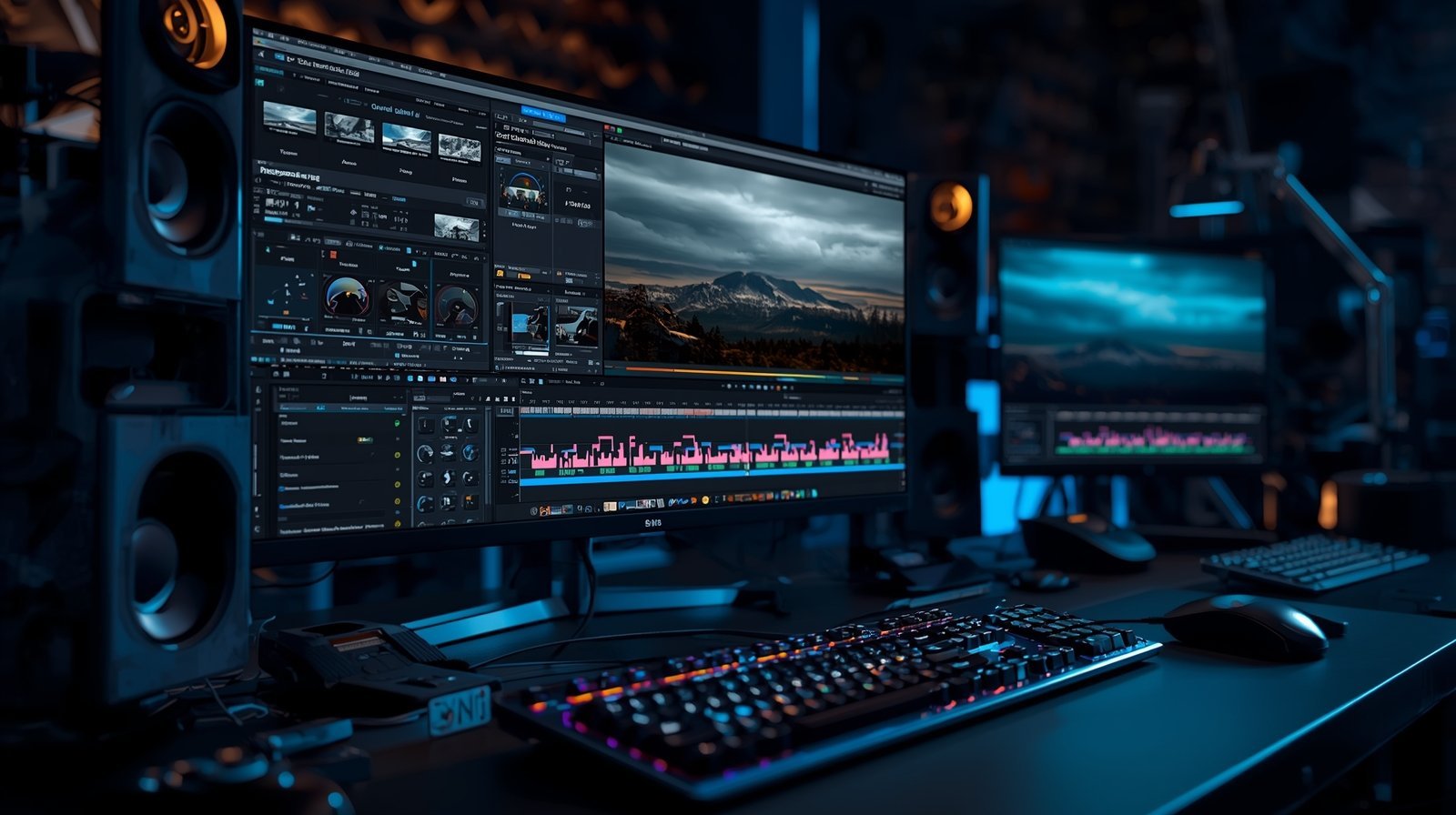
Top Feature: World-Class Color Grading
DaVinci Resolve is well-known for its color grading options. It offers immense control in adjusting the lighting, tone, contrast, and color of the video, making your video look premium and Hollywood-like, as seen in movies or professional ads.
Perfect for a beginner and a small business owner, Canva Video can help you make videos easily, provided you know how to use “drag and drop.” This tool does not require you to download heavy software, as you can use it directly in your browser.
The interface is simple and clean. It allows you to use ready-made templates, add your text, add your logo, and finally export your video in no time. It is not made for editing, but rather for fast content creation.
Why choose Canva Video:
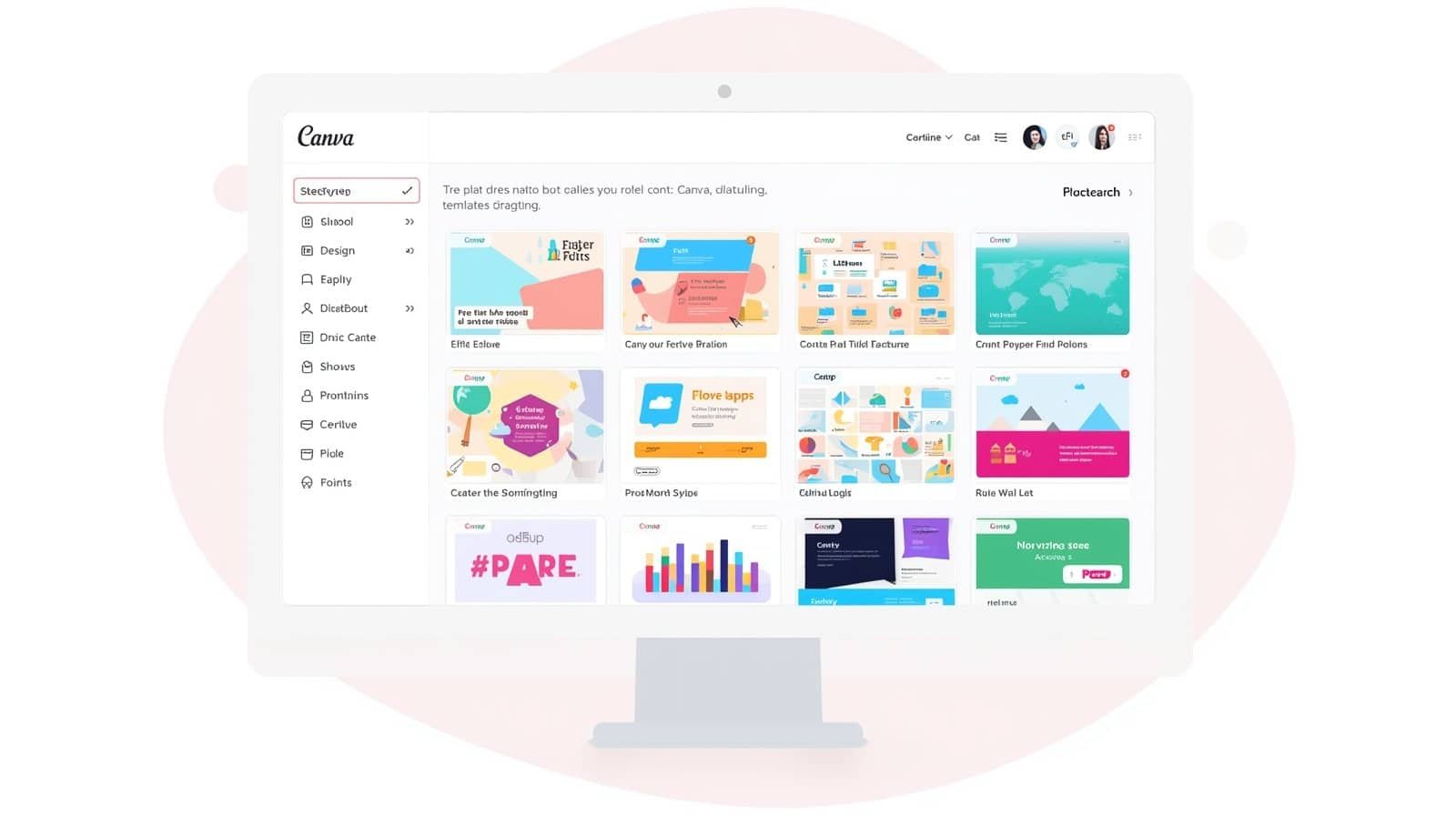
Top Feature: Free Stock Library
Millions of videos, pictures, music tracks, and other graphics are available for access. This will allow small businesses to make professional ads without having to hire someone to design them or acquire additional material.
Microsoft Clipchamp is a beginner-friendly video editing tool for Windows users. Most Windows 11 computers come with this app installed. It can run inside your web browser and/or as a desktop app.
The interface is pretty clean and intuitive. It offers drag-and-drop functionality, provision to add text, transition options, and export options without any complicated settings.
Why use Clipchamp:
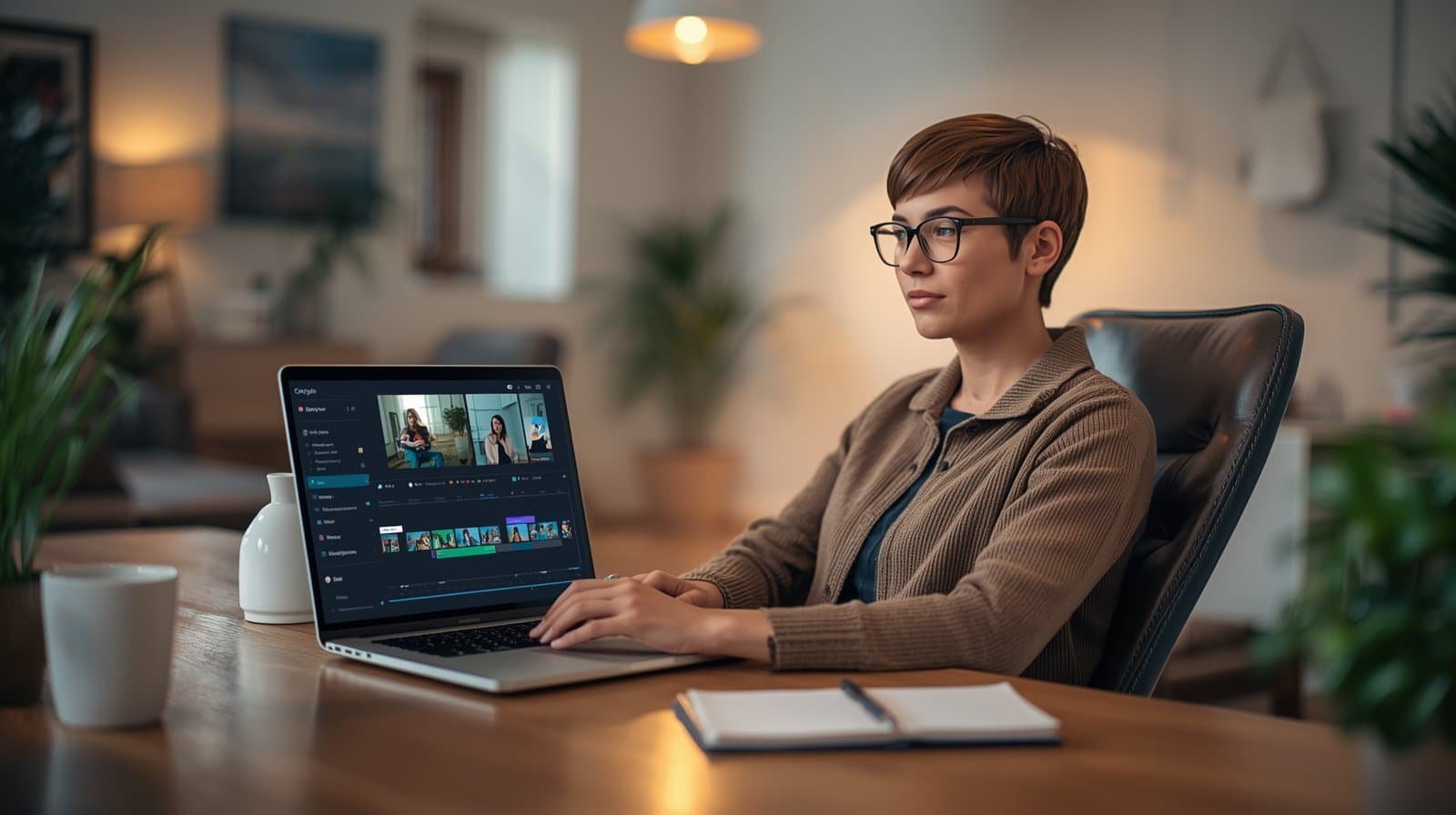
Best Feature: Screen and Webcam Recorder
It has a built-in screen recording tool. This is very helpful when you need to:
Tutorial videos, Software, demos,Online courses – lessons, Reaction videos, Presentation recordings
You can capture your screen, your face, or both at the same time, making it suitable for educators, marketers, and content creators.
If you use an iPhone or Mac, you can also use iMovie, which is free. It’s one of the best ways to learn basic video editing. iMovie’s interface is clean, simple, and not confusing at all.
iMovie is primarily concerned with essential skills that users should familiarize themselves with, such as cutting videos, inserting music, text, and transitions. It helps beginners understand the basics of a timeline without deploying additional complex features.
Why use iMovie:
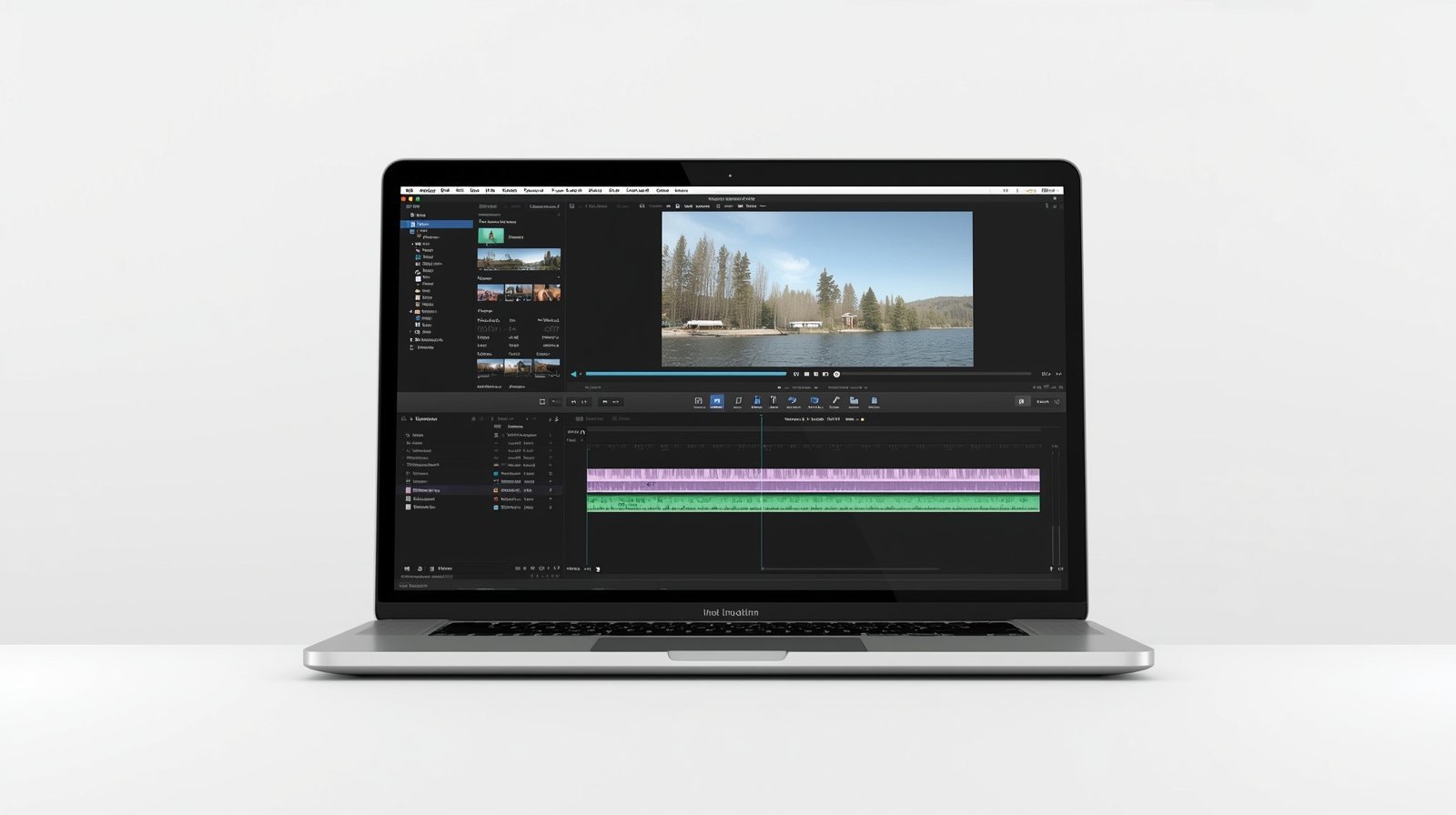
Best Feature: Magic Movie
The feature known as “Magic Movie” automatically generates a video from your chosen photos and videos. It will add transitions, music, and titles to your video instantly.
Wondershare Filmora is an easy-to-use yet robust video editing software designed for beginner users. It is compatible with Windows and macOS and features user-friendly drag and drop functionality.
It gives you options to trim videos, add effects, add text, and export videos quickly. Moreover, it includes options like keyframes and masks, offering higher levels of control.
Why choose Filmora:
Industry-standard video editing software used by filmmakers and video creators. In 2026, it will be the first choice of professional marketers due to its high level of creative depth combined with cutting-edge AI.
Key Specifications and Requirements

Adobe has also added “Firefly AI” which facilitates faster work on the dull parts of editing.
Video editing is no longer optional in digital marketing. It is a core skill. The right software can help you create engaging content, grow your brand, and build professional opportunities.
Free tools like CapCut, DaVinci Resolve, Canva, Clipchamp, and iMovie are more than enough to start. As your skills grow, you can move to advanced tools like Adobe Premiere Pro for deeper creative control and AI-powered editing.
1. Which is the best free video editing tool for beginners?
CapCut, iMovie, and Clipchamp are best for beginners. DaVinci Resolve is best for advanced free editing.
2. Which tool is best for social media?
CapCut is ideal for Reels, Shorts, and TikTok. Canva is good for quick promotional posts.
3. Is there any free tool without watermark?
Yes. DaVinci Resolve, iMovie, and Clipchamp offer exports without watermark.
4. Which software is best for YouTube?
DaVinci Resolve and Adobe Premiere Pro are best for long-form YouTube videos.
5. Should beginners start with paid software?
No. Start with free tools. Upgrade when you need advanced features.
6. Is video editing important for digital marketing?
Yes. Video content increases engagement, brand visibility, and conversions.
Here are some links you must read if you’re serious about boosting your digital marketing knowledge: