
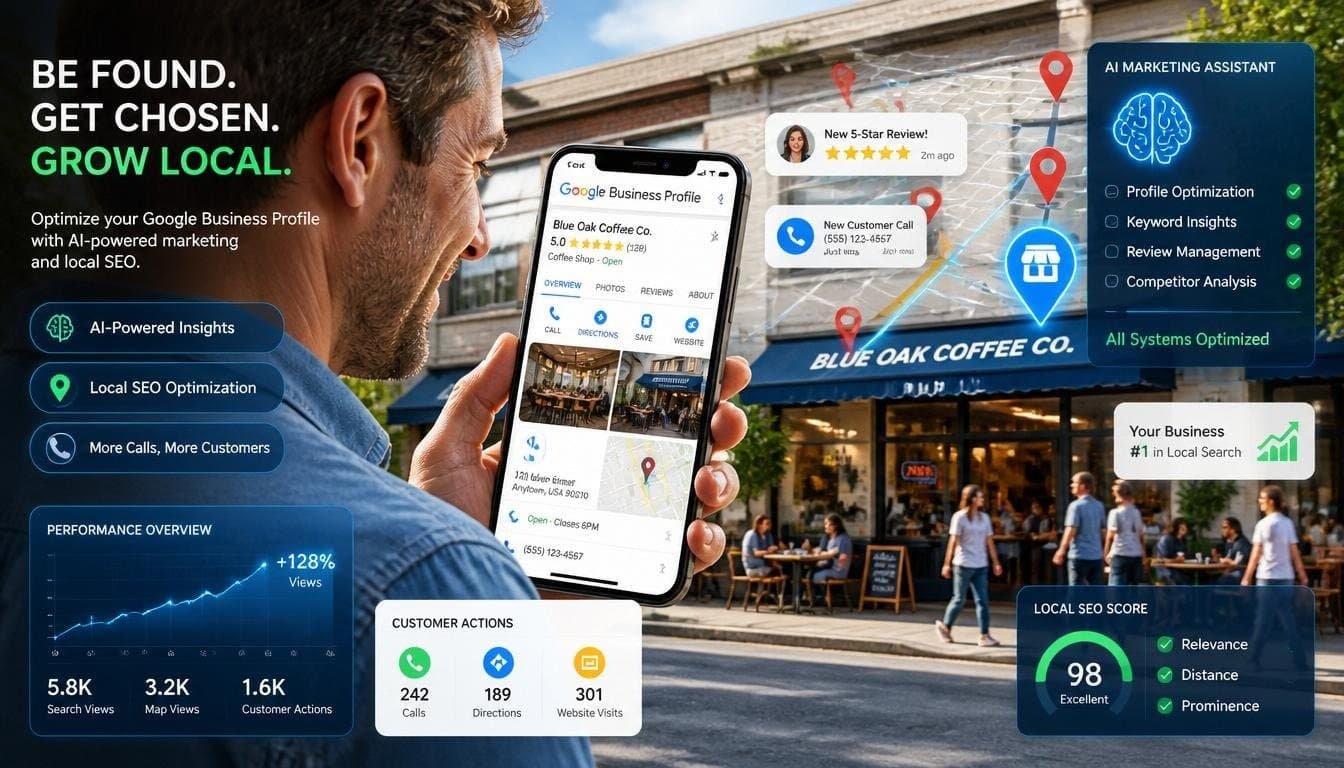
Imagine: The customer types in “nearby coffee shop” or “plumber today.”
They’re not browsing sites; what they see at the top of Google Maps is a strikingly designed Google Business Profile featuring stunning images, recent promotions, and great reviews.
It can be your business getting inquiries every day through such search terms.
Google Business Profile is one of the most effective marketing instruments for local businesses in 2026. Optimizing your GBP may significantly boost call volume, number of navigation prompts, visits to your website, and foot traffic without spending on advertising.
However, most companies neglect their profiles and give the edge to their competitors.
The good news is that you can optimize your GBP into a customer magnet within days.
In this guide, you will learn 20 easy ways to promote your business and get more customers using Google Business Profile.
Let’s get started.
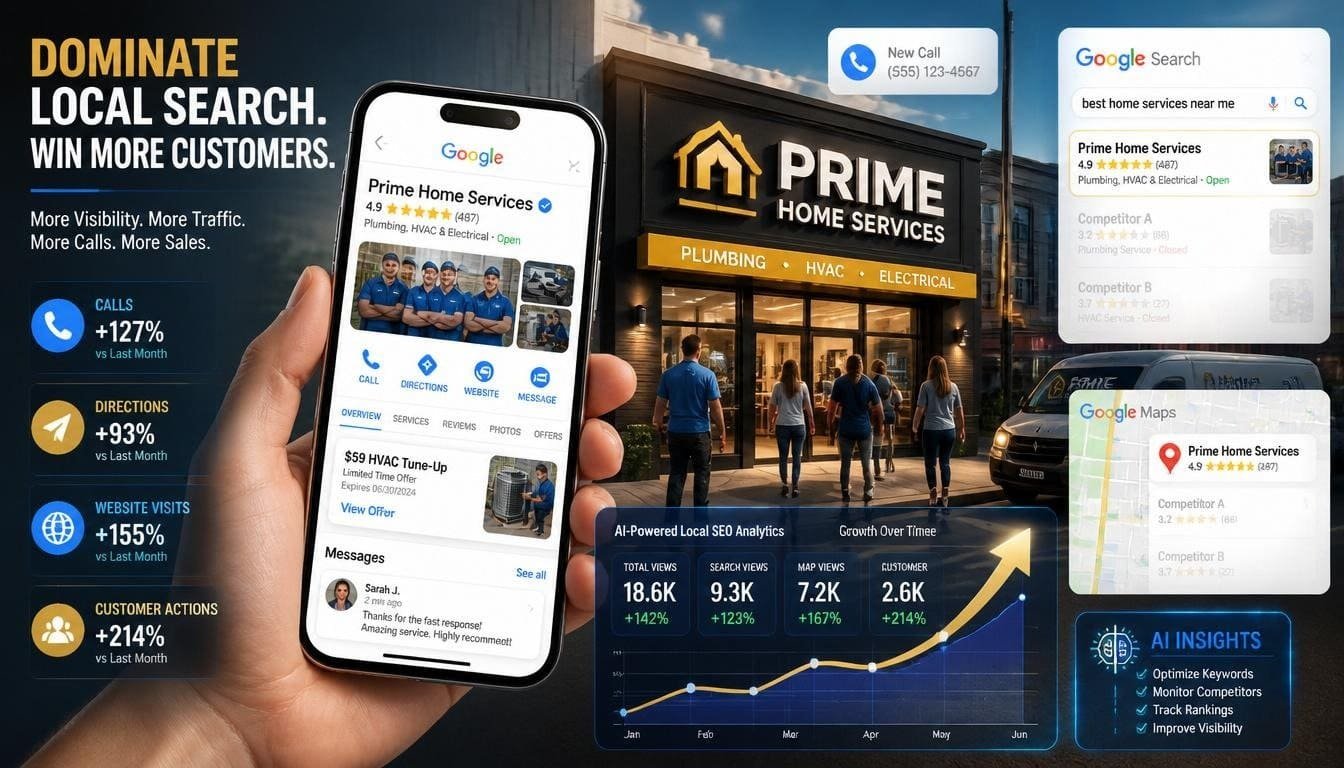
Why Google Business Profile Matters for Customer Acquisition
- GBP (Google Business Profile) showing up in local-intent searches with map results has been observed ~87% of the
- A complete, verified profile leads to 4x more visits to your website and more calls/directions.
- Traffic and actions decreases as one moves from top to bottom in Local Pack, statistics show.
- Seventy to seventy-three percent of consumers are more likely to visit/contact a business with a completed and updated profile.
In 2026, Google emphasizes freshness (inactive profiles lose visibility after ~30 days), AI-powered features (like automated Q&A), visuals, and genuine customer interactions.
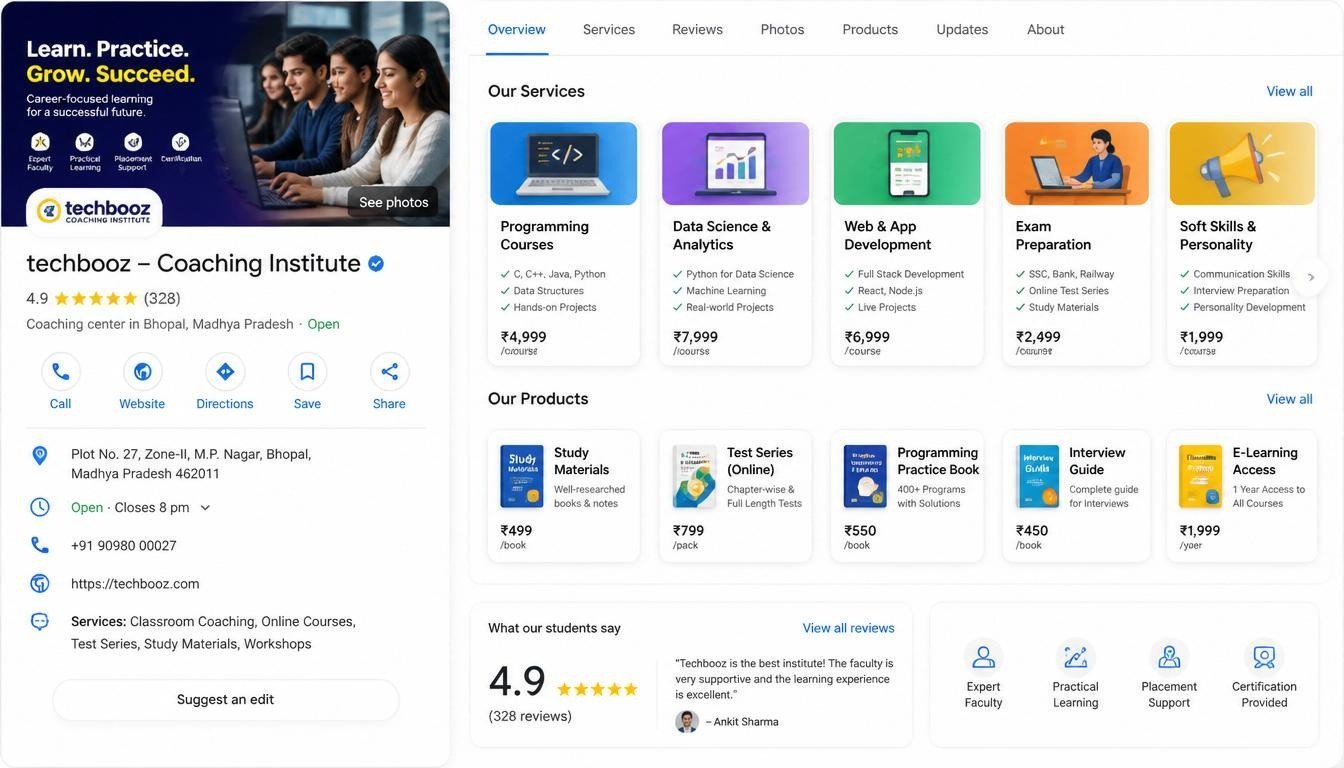
This article shares 20 actionable tips to get more customers with Google Business Profile (GBP) in 2026. They are prioritized to have the maximum impact on visibility, trust, engagement and conversions.
Foundation & Optimization
1. Claim, Verify and Fully Complete Your Profile
Verify ownership right away; video verification is now common. Fill out every section: NAP (Name, Address, Phone), hours (including special and holiday hours), services, attributes (like wheelchair accessible and Wi-Fi), website, and business description. Complete profiles get significantly more views and actions.
2.Choose the Most Specific Primary Category
Select the most specific primary category, like “Pizza restaurant” instead of just “Restaurant.” You can also add up to nine relevant secondary categories. This choice remains one of the most important factors for local rankings.
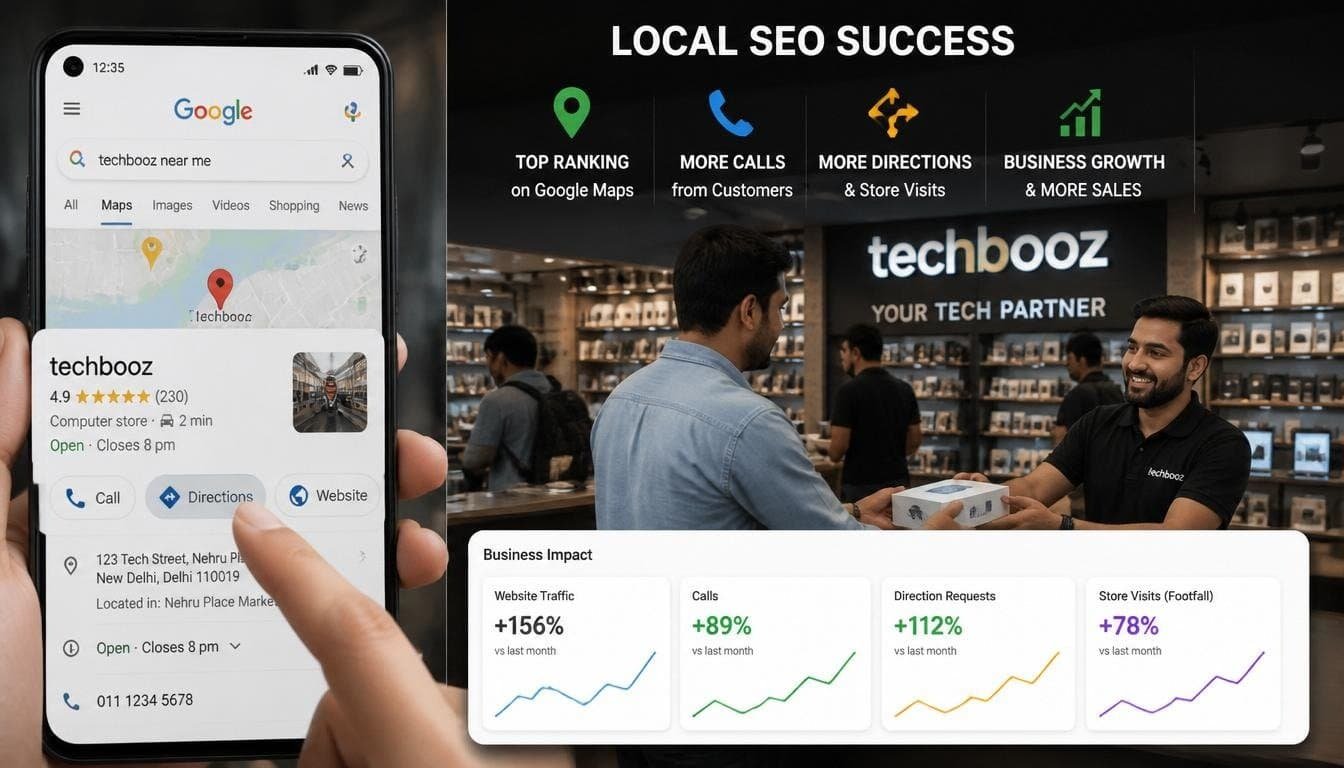
3.Write a Keyword-Rich, Customer-Focused Description
Use up to 750 characters to describe what you do, what makes you unique, and your appeal to the local community. Include common keywords based on actual customer searches. Google may provide AI suggestions to help.
4.Ensure NAP Consistency Everywhere
Make sure your Name, Address, and Phone are exactly the same across your website, social media, directories, and other listings. Any inconsistencies can harm your rankings and trust. List Detailed Services & Products
Visuals and Freshness
5.Upload High-Quality Photos and Videos Regularly
Aim for 20 to 30 or more professional images, including exterior, interior, team, products, and customer moments. Post fresh photos each week. Profiles with recent visuals get more clicks and engagement. Professional photos work better than amateur ones.
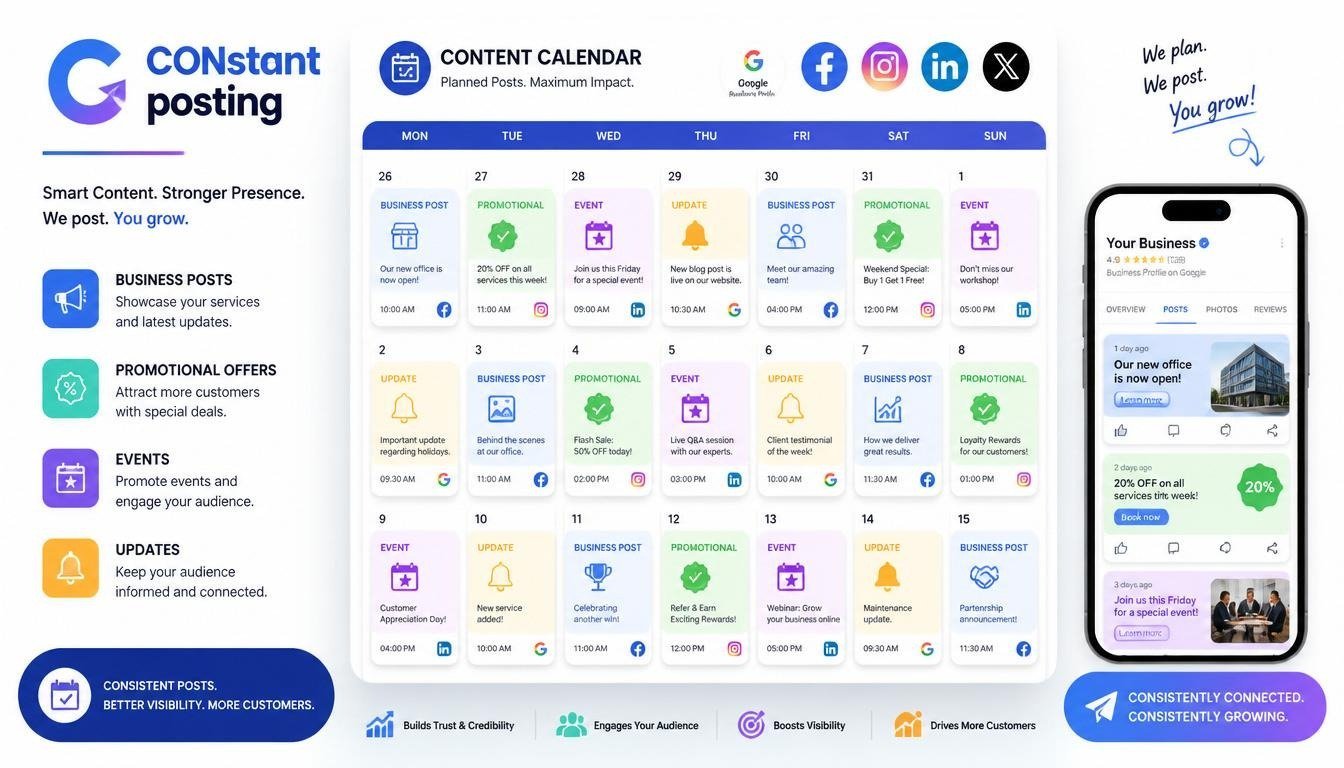
6.Post Consistently (2 to 3 Times per Week)
Use Google Posts for offers, events, news, new products, and educational tips. Posting consistently, especially 2 to 3 times a week, boosts engagement by about 34% and shows freshness to Google. Take advantage of regular events and offers.
7.Keep Information Fresh to Avoid Stale Penalties
Update your hours, posts, photos, and responses regularly. Inactive profiles that have no activity for about 30 days will lose visibility in 2026. Treat your Google Business Profile as a living profile.
Reviews & Engagement
8.Actively Request Genuine Reviews
Ask happy customers at the right time. Do this after service through SMS with personalized links, QR codes on receipts, or in person. Aim for high volume and recent reviews; top listings often have over 200.
9.Respond to Every Review Promptly
Reply to all reviews, both positive and negative, within 24 to 48 hours. Professional and helpful responses build trust and can turn negatives into positives. Google pays attention to engagement.
10.Leverage Messaging & Booking Features
Enable direct messaging and integrate booking tools. Respond quickly, and use AI assistance if needed, to turn inquiries into appointments or visits.

Advanced Tactics
11.Add The Right Details
You should fill out all the details that apply to your business as if it is owned by women led by veterans or if it is a friendly place for LGBTQ+ people and if you have free Wi-Fi. These details are helpful when people search for things and they can help your business show up in search results.
12.Use What You Learn To Make A Plan
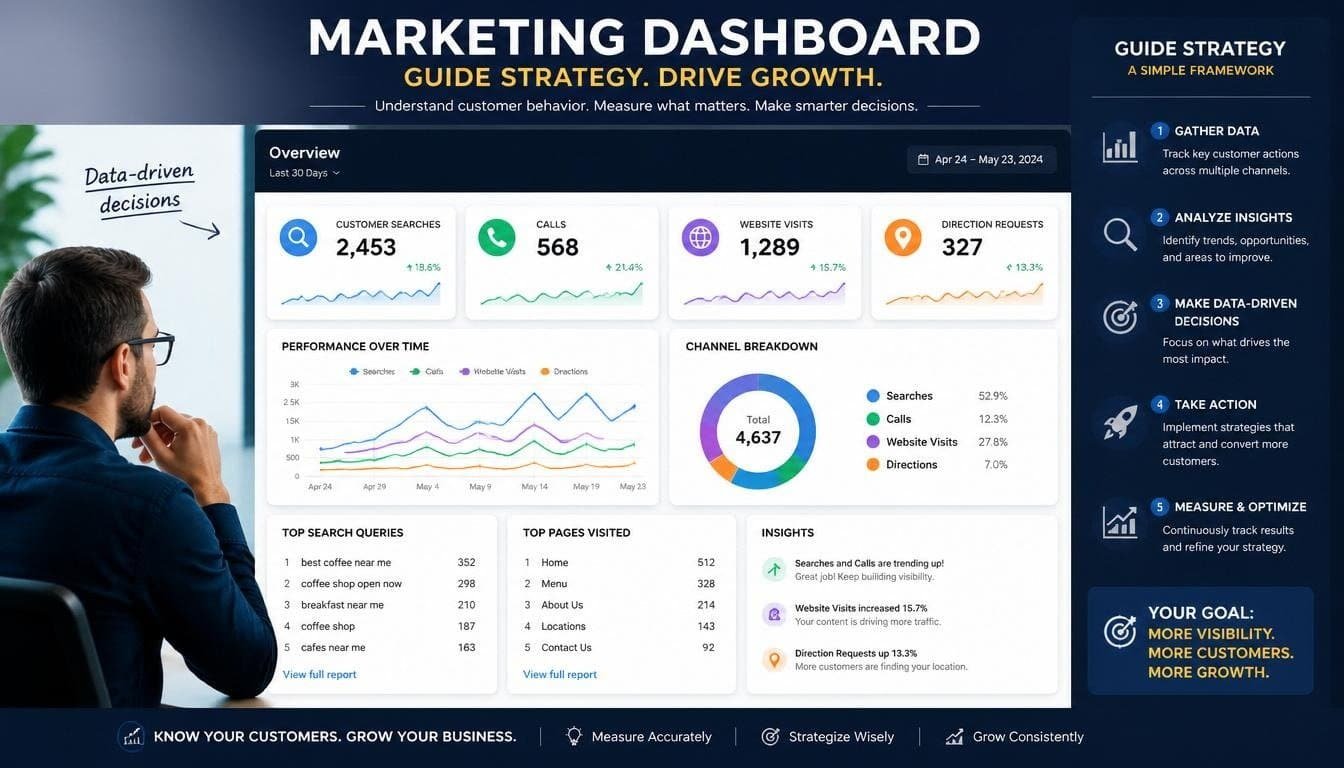
You should check the Performance dashboard regularly to see what people are searching for how many people are looking at your page and how many people are calling or visiting your website. Do more of what’s working and try to improve the things that people are searching for.
13.Make Pages For Your Locations And Connect Them To Your Website
You should link your Google Business Profile to the pages on your website that have information, about your locations. This helps people see that your business is relevant. It can improve your local search results.
14.Run Special Offers And Events
You can use Posts to tell people about deals or events that are happening in your area. These can get people to take action away like getting directions to your business or visiting your website.
Monitoring and Compliance
15.Monitor and Maintain Review Policy Compliance
- Make sure to get genuine reviews from customers.
- Do not try to manipulate reviews or offer rewards that go against Googles 2026 policies.
- This is important to avoid getting penalized or having reviews taken down.
16.Optimize for Service-Area Businesses
- If you do not have a store choose a service area that makes sense.
- Avoid picking a large area as this can make your business seem less relevant to local customers.
17.Add Social Links and Other Features
- Put links to your website and important social media profiles.
- Use features like booking tools or new technology tools if available.
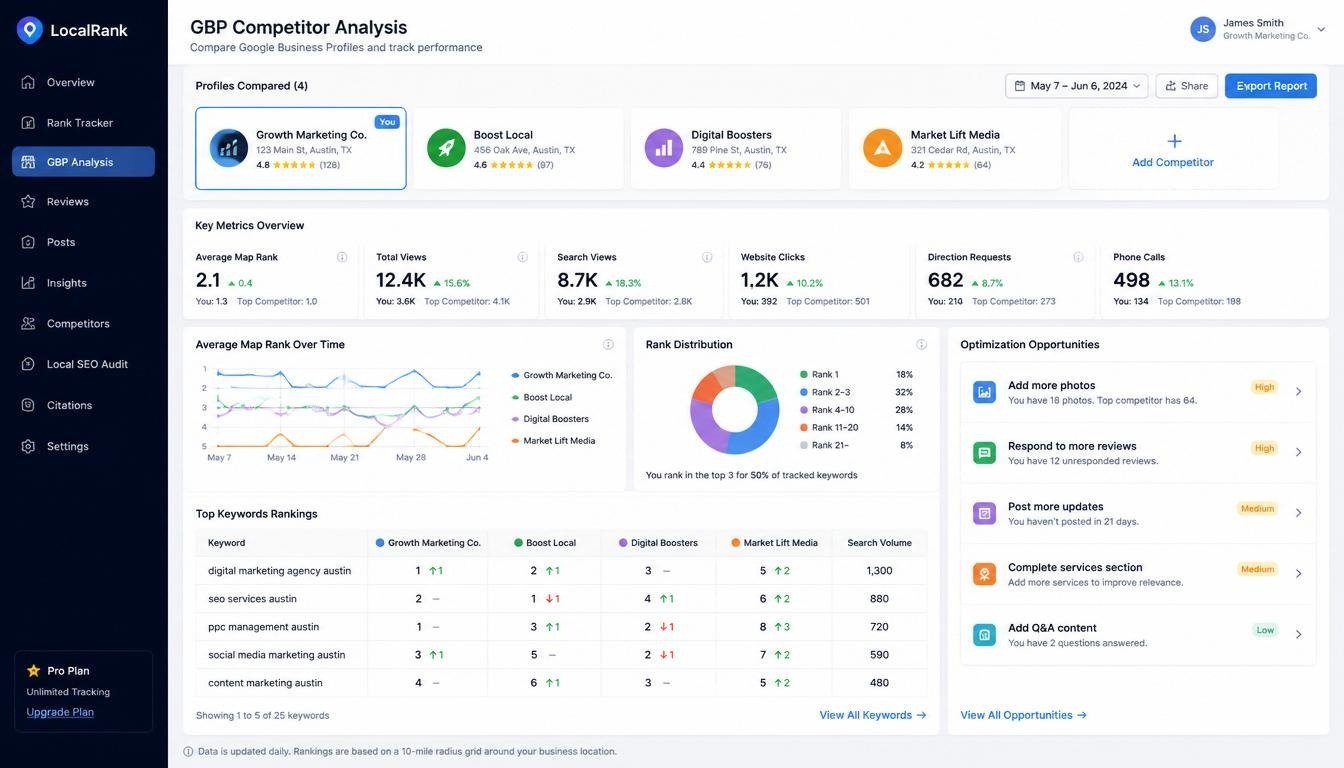
18.Track Competitor Profiles
- Look at the categories, posts, photos and review strategies of competitors who rank high.
- Find out what they are missing. Do those things to do better than them.

19.Stay. Patient
- Work on optimizing your Google Business Profile. Also do local SEO for your website and other online listings.
- The results will add up over time.
- Businesses, with profiles get more views, clicks, calls and visitors.
- Check your progress every month. Make changes as needed.
Measuring Success and Common Pitfalls
To see if something is working you should look at things like how many people see your business how many people. Find their way to you and how that relates to people walking in.
Some mistakes people make are:
- Not filling out all the information about their business
- Having information
- Not responding to what customers say
- Putting many keywords in the name of their business, which Google does not like because it is spam.
A good tip is to keep your Google Business Profile active and up, to date. Don’t just set it up. Forget about it. If you keep doing things with it Google will think you care about your customers and that you are a business that is still working.
Conclusion
Your Google Business Profile is a tool that helps you get more customers. It is free. Can be used every day. If you follow these twenty tips you will get noticed by people they will trust you and you will get more visitors and sales from people who search for things in your area.
The main thing to remember is to be consistent. You need to keep your Google Business Profile active and make sure it always has interesting things on it. Try a few of these tips this week. See how they work for you.
Someone who might want to be your customer is looking for something now. You should make sure they can find your Google Business Profile.
If you want your business to grow you should do something, about it today.
Must read :
How Artificial Intelligence is Changing Data Analytics: A Revolution That Puts People First
5 Ways to Rank Higher in AI Search Results
Best Python Course in Karnal 2026: Fees, Syllabus, Jobs & Institutes Guide